
บทเรียนการสร้างเกมแนว God Simulation บน Unity 3D ในส่วนของการ Spawn ตัว Enemy ออกมาเป็นอุปสรรคของเกม
ต่อเนื่องจากบทเรียนที่แล้ว:
ส่วนนี้ง่ายที่สุดคือการนำโมเดล 3 มิติมาวางไว้ในฉาก พร้อมตกแต่ง Particle System ตามจุดต่างๆให้เรียบร้อย
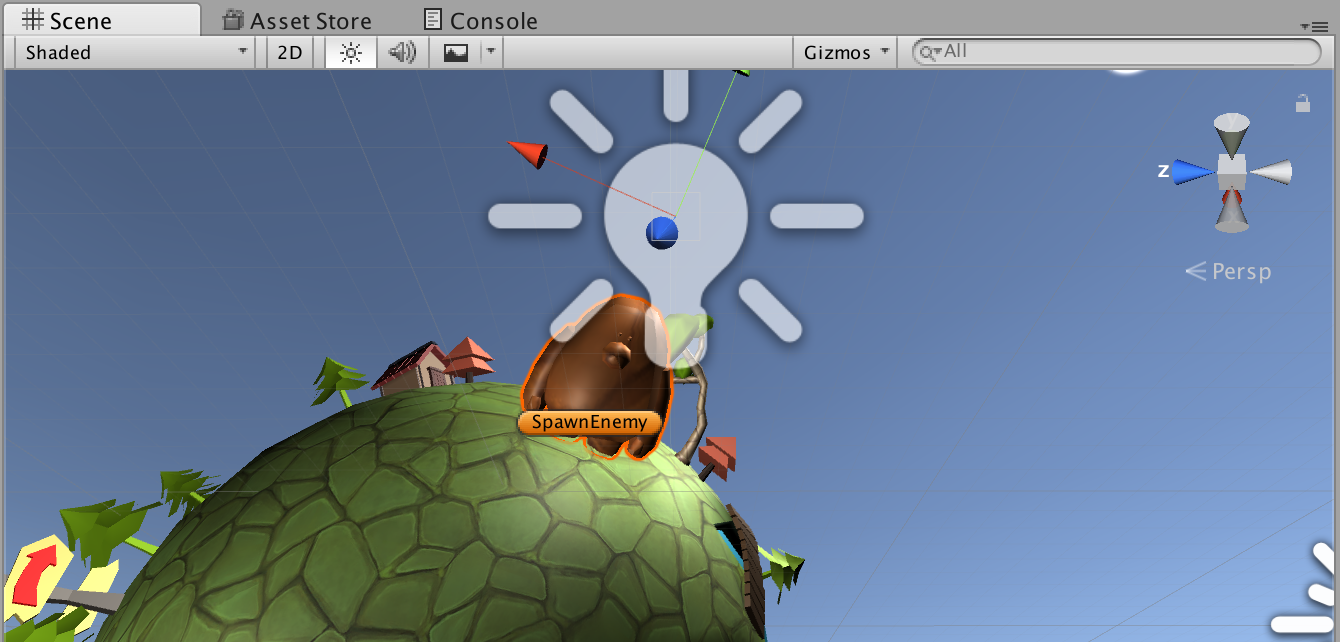
ตั้งค่าศัตรูของเราเป็น Golem ไฟ และ น้ำขึ้นมาโดยใช้ Material และ Particle ที่แตกต่างกัน
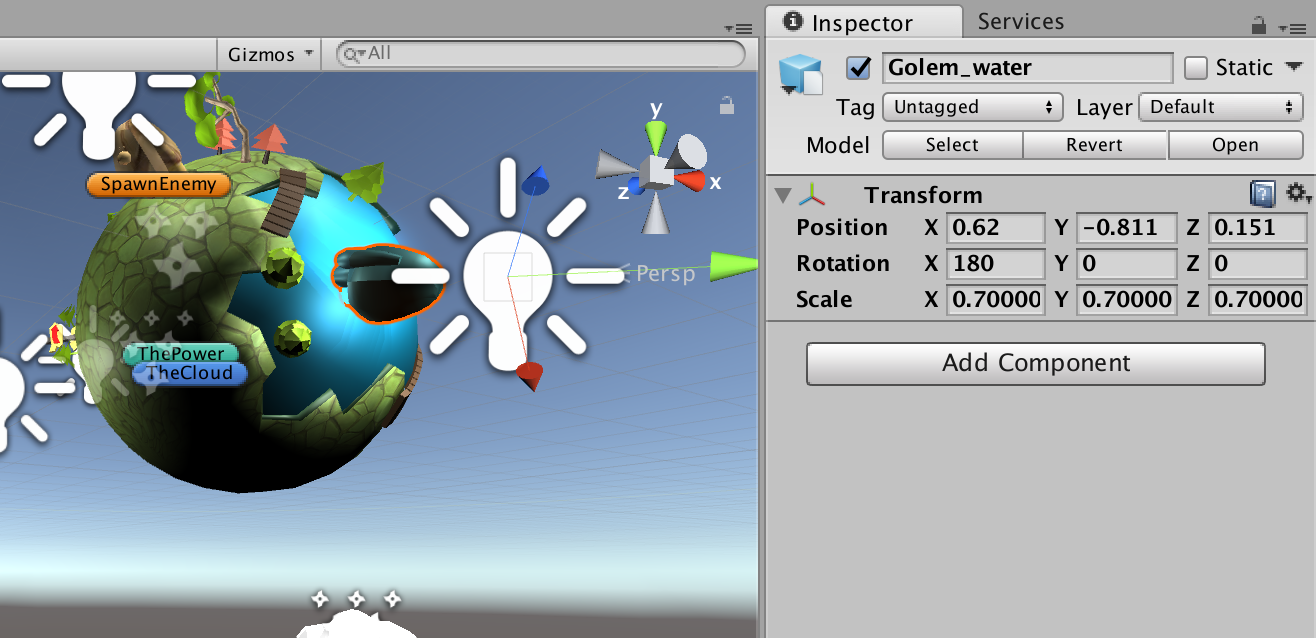
ทดสอบวางไว้ในตำแหน่งของตัว Planet เราสัก 3-4 จุด
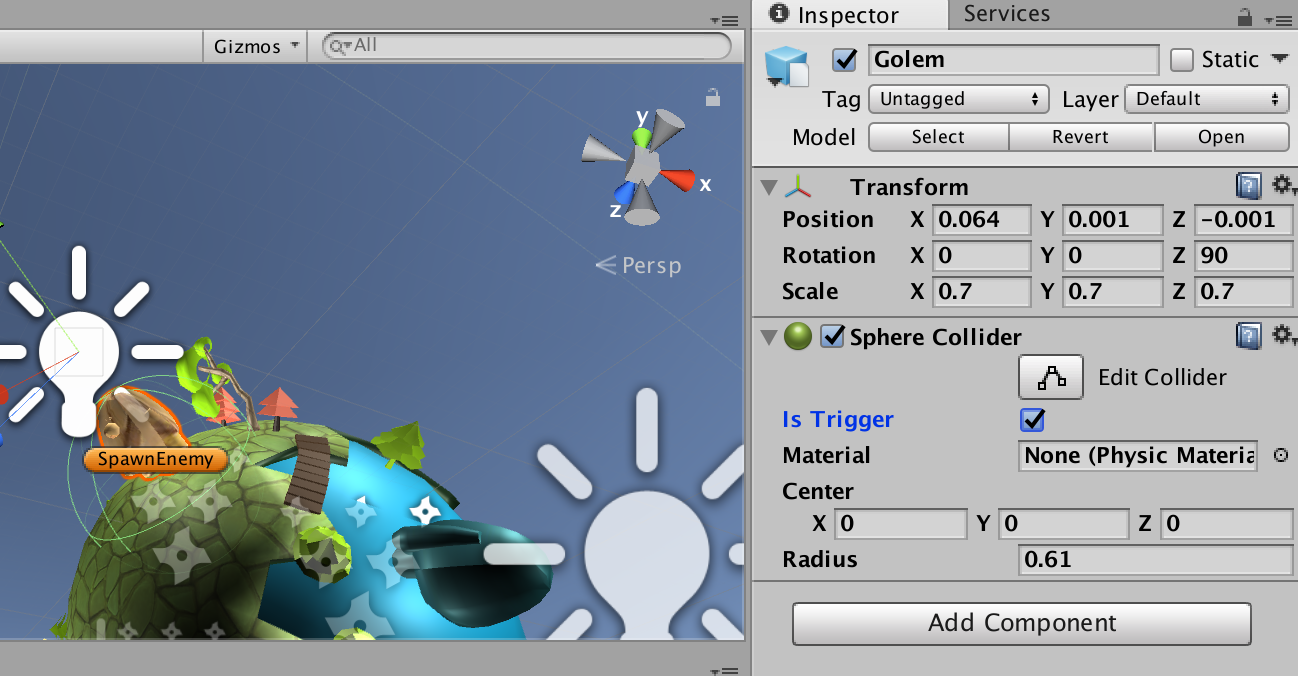
กำหนด Particle ให้สวยงามและกำหนด Collider เป็น Sphere ตั้ง isTrigger เป็น True
ไปที่ GameObject ที่เป็น Empty GameObject สร้างไฟล์ SpawnEnemy.cs ขึ้นมาใส่ Code ดังนี้ เป็นการทดสอบ
using System.Collections;
using System.Collections.Generic;
using UnityEngine;

public class SpawnEnemy : MonoBehaviour {
	public GameObject position1;
	public GameObject position2;
	public GameObject position3;
	public GameObject position4;
	public bool isRandom = false;

		float timeElapsed = 0;
		public float SpawnCycle = 1f;
		public int randomEnemy = 0;
		void Start () {
			position1.SetActive(false);
			position2.SetActive(false);
			position3.SetActive(false);
			position4.SetActive(false);
		}

		void Update () {
			timeElapsed += Time.deltaTime;
			if(timeElapsed > SpawnCycle)
			{
					isRandom = true;
					if(isRandom == true){
						randomEnemy = Random.Range(0, 4);
						isRandom = false;
						Debug.Log(randomEnemy);
					}
					monsterShow(randomEnemy);
					timeElapsed -= SpawnCycle;
			}
		}

		public void monsterShow(int randomData){
			if(randomData == 0){
				position1.SetActive(true);
			}else if(randomData == 1){
				position2.SetActive(true);
				SpawnCycle = Random.Range(2f, 6f);
			}else if(randomData == 2){
				position3.SetActive(true);
				SpawnCycle = Random.Range(2f, 6f);
			}else if(randomData == 3){
				position4.SetActive(true);
				SpawnCycle = Random.Range(1f, 3f);
			}
		}
}
ใช้การสุ่ม 0-4 เพื่อมากำหนดให้ Position ต่างๆ เป็น SetActive()
public void monsterShow(int randomData){
			if(randomData == 0){
				position1.SetActive(true);
			}else if(randomData == 1){
				position2.SetActive(true);
				SpawnCycle = Random.Range(2f, 6f);
			}else if(randomData == 2){
				position3.SetActive(true);
				SpawnCycle = Random.Range(2f, 6f);
			}else if(randomData == 3){
				position4.SetActive(true);
				SpawnCycle = Random.Range(1f, 3f);
			}
		}
เมื่อเสร็จแล้วลากตัว Golem ทุกตัวใน Scene ไปวางใน Position แต่ละตัว
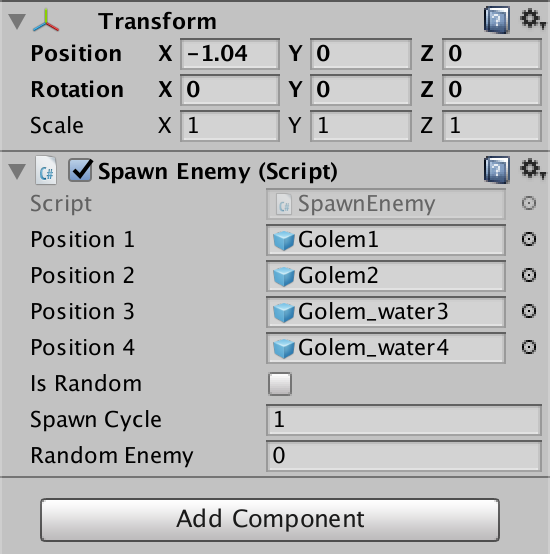
ตัวอย่างการทดสอบจะสุ่ม 1 ที ตอนนี้ใช้การแก้ไข Inspector ส่วนของ Random Enemy เป็น 0,1,2,3 เอานะครับเพื่อที่เราจะเขียนโปรแกรมต่อทีหลังว่าถ้าเอา Power Element ไปจัดการ Golem แต่ละตัวจะเกิดเงื่อนไขของคะแนน
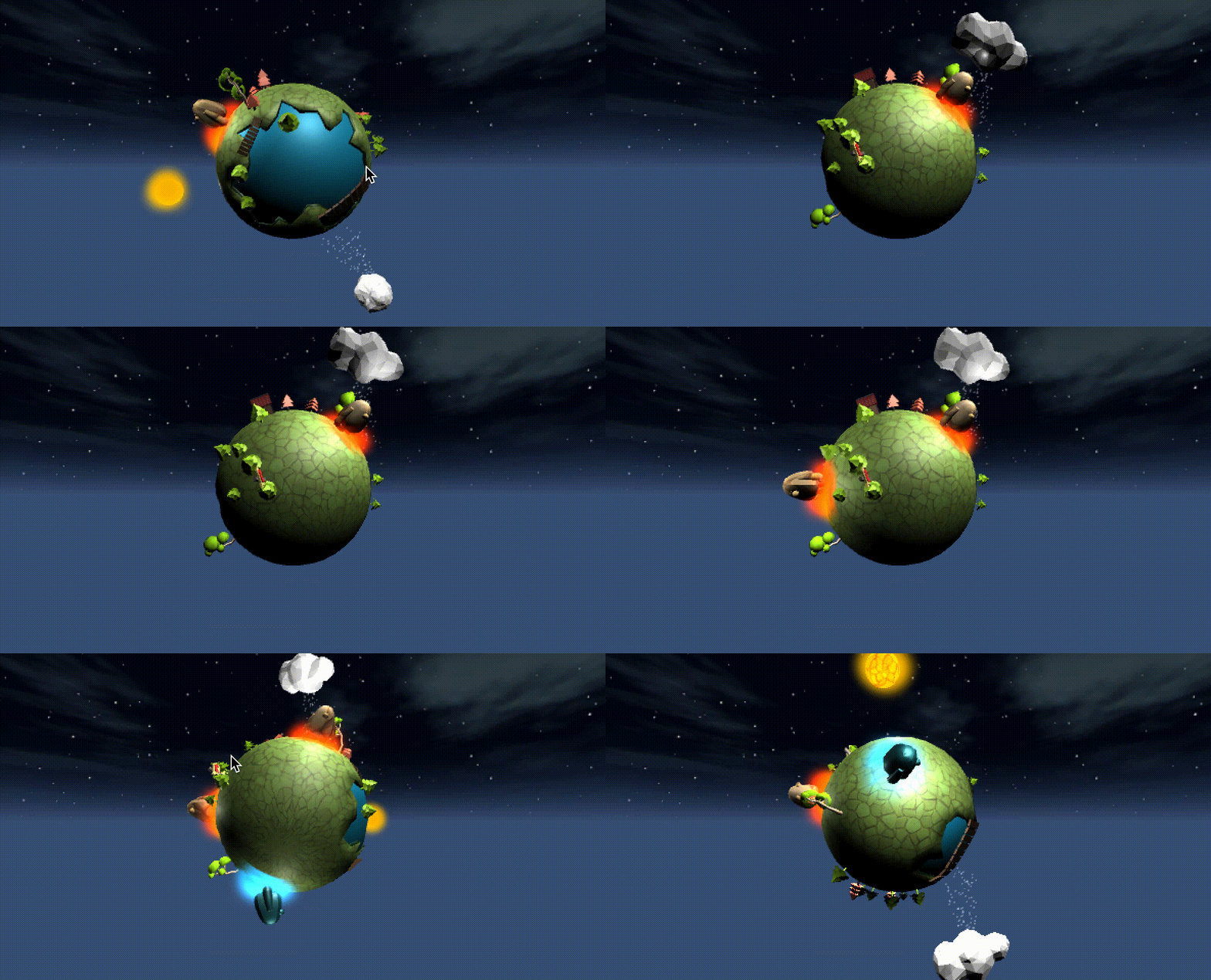
บทเรียนนี้ก็ทดสอบตามนี้ครับ
บทเรียนย้อนหลัง: