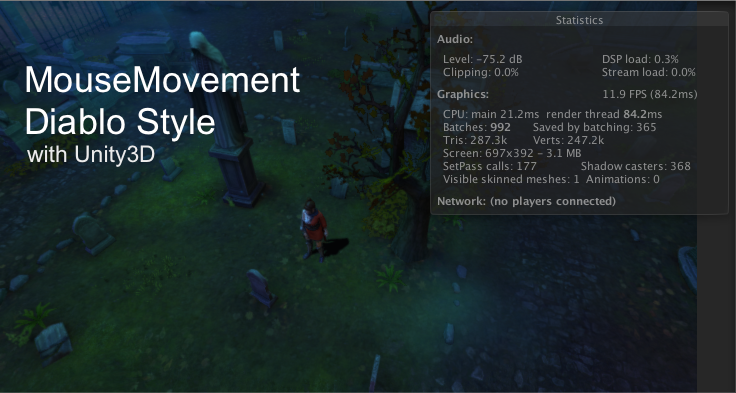
บทเรียนแบบสั้นกระชับในการพัฒนาเกมสไตล์ Diablo ที่ใช้ Mouse ในการ Point-Click เพื่อเดินไปตำแหน่งที่คลิกล่าสุดใน Unity 3D
ก่อนจะศึกษาบทเรียนนี้แนะนำให้ไปอ่านบทเรียนก่อนหน้านี้ก่อนที่: เขียนเกมด้วย Unity3D
ในตัวอย่างนี้จะไปแบบสั้นๆ กระชับคือการควบคุมด้วย Mouse คลิกซ้ายแล้วเดินไปตำแหน่งนั้นๆ เพียงแค่นั้นแต่ก่อนจะเรียนรู้ได้ให้ไปเตรียมพร้อม เรื่องของ Animator Controller และ Mecanim แบบ Humanoid ให้เรียบร้อยตามบทเรียนนี้
- เขียนเกม Unity การทำ Humanoid ให้กับ โมเดลตัวละคร 3 มิติ
- เขียนเกม 3 มิติด้วย Unity การใช้ Animator Controller
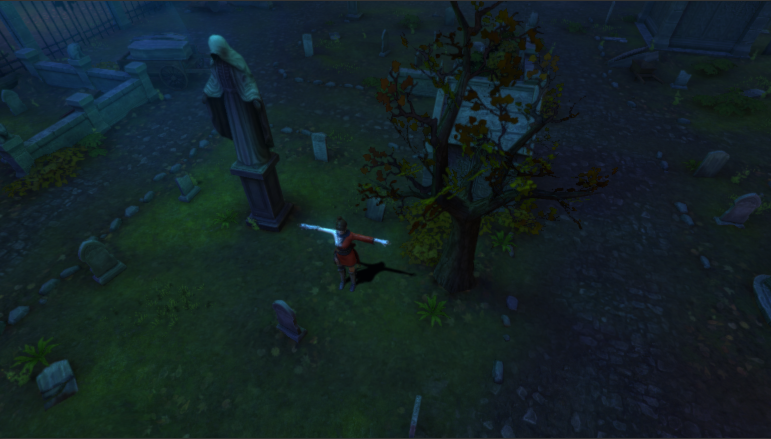
อย่าลืมออกแบบฉาก เริ่มต้นให้วางตัวละครลงไปดังนี้
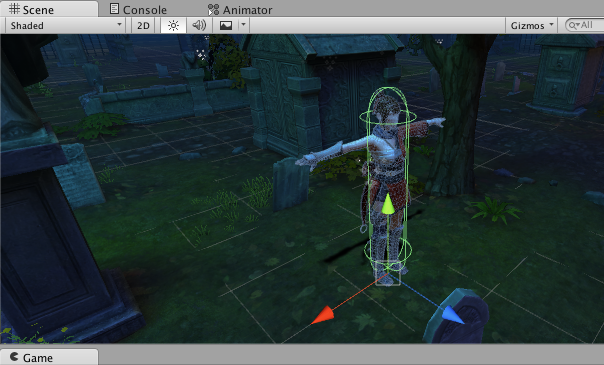
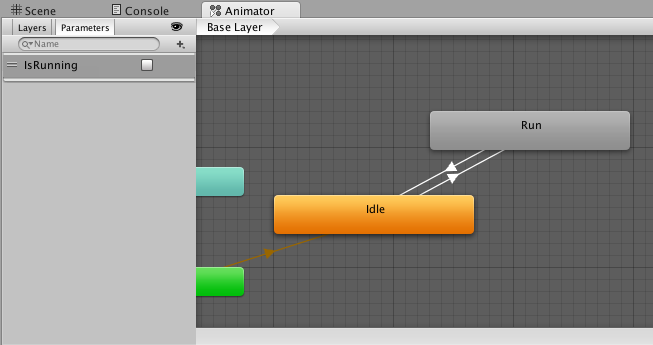
ออกแบบ State ของ animation ผ่าน Animator Controller โดยอ้างอิง Bool ตัวเดียวคือ IsRunning พอครับ
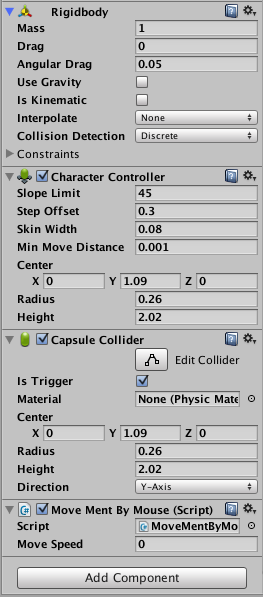
ต่อจากนั้นให้ เราใส่ component เล่านี้ลงไปที่ตัว Player ให้เรียบร้อย
อย่าลืมใส่ Tag ชื่อ “MainCamera” ให้กับกล้องของเราใน Hierarchy ด้วยนะครับเพื่อทำ Ray Casting เมื่อเสร็จแล้วไปที่ Player ของเราใส่ C# MoveMentByMouse.csใหม่ลงไปโดยใช้ Code ดังนี้
private Transform GameObjectTransform;
private Vector3 new_des_Position;
private float dest_Distance;
public float speed;
Animator anim;
เก็บตำแหน่งล่าสุดไว้ที่ new_des_Position พร้อมกับตำแหน่งใหม่ที่ dest_Distance กำหนดค่า Speed มาใหม่ จำค่า transform วัตถุที่จะเคลื่อนที่ (Player) ไว้ใน GameObjectTransform
void Start () {
        GameObjectTransform = transform;
        new_des_Position = GameObjectTransform.position;
        anim = GetComponent <Animator> ();
        Time.timeScale = 1;
}
สร้าง anim เรียกใช้งาน Component ของ Animator controller ให้เรียบร้อย พร้อมจำค่าล่าสุดคือตำแหน่งแรก
void Update () {
        dest_Distance = Vector3.Distance(new_des_Position, GameObjectTransform.position);
        if(dest_Distance < .5f){
            speed = 0;
        }
        else if(dest_Distance > .5f){
            speed = 3;
        }

        anim.SetBool ("IsRunning", false);
        if (Input.GetButtonDown ("Fire1")) {

            Plane PlanePlayer = new Plane(Vector3.up, GameObjectTransform.position);
            Ray ray = Camera.main.ScreenPointToRay (Input.mousePosition);

            float hitdist = 0.0f;

            if (PlanePlayer.Raycast(ray, out hitdist)) {
                Vector3 targetPoint = ray.GetPoint(hitdist);
                new_des_Position = ray.GetPoint(hitdist);
                Quaternion tRotate = Quaternion.LookRotation(targetPoint - transform.position);
                GameObjectTransform.rotation = tRotate;
            }
        }else if (Input.GetButtonDown ("Fire1")) {

            Plane PlanePlayer = new Plane(Vector3.up, GameObjectTransform.position);
            Ray ray = Camera.main.ScreenPointToRay(Input.mousePosition);
            float hitdist = 0.0f;

            if (PlanePlayer.Raycast(ray, out hitdist)) {
                Vector3 targetPoint = ray.GetPoint(hitdist);
                new_des_Position = ray.GetPoint(hitdist);
                Quaternion tRotate = Quaternion.LookRotation(targetPoint - transform.position);
                GameObjectTransform.rotation = tRotate;
            }

        }
        if(dest_Distance > .5f){
            anim.SetBool ("IsRunning", true);
            GameObjectTransform.position = Vector3.MoveTowards(GameObjectTransform.position, new_des_Position, speed * Time.deltaTime);
        }
    }
พิจารณาส่วนของการทำ RayCasting จิ้มที่หน้าจอของเกม เพื่อคำนวณระยะจะอยู่ที่
if (Input.GetButtonDown ("Fire1")) {

            Plane PlanePlayer = new Plane(Vector3.up, GameObjectTransform.position);
            Ray ray = Camera.main.ScreenPointToRay (Input.mousePosition);

            float hitdist = 0.0f;

            if (PlanePlayer.Raycast(ray, out hitdist)) {
                Vector3 targetPoint = ray.GetPoint(hitdist);
                new_des_Position = ray.GetPoint(hitdist);
                Quaternion tRotate = Quaternion.LookRotation(targetPoint - transform.position);
                GameObjectTransform.rotation = tRotate;
            }
        }
ดังนั้นภาพรวมของไฟล์ C# จะเป็นดังนี้
using UnityEngine;
using System.Collections;

public class MoveMentByMouse : MonoBehaviour {
    private Transform GameObjectTransform;
    private Vector3 new_des_Position;
    private float dest_Distance;
    public float speed;
    Animator anim;

    // Use this for initialization
    void Start () {
        GameObjectTransform = transform;
        new_des_Position = GameObjectTransform.position;
        anim = GetComponent <Animator> ();
        Time.timeScale = 1;
    }

    // Update is called once per frame
    void Update () {
        dest_Distance = Vector3.Distance(new_des_Position, GameObjectTransform.position);
        if(dest_Distance < .5f){
            speed = 0;
        }
        else if(dest_Distance > .5f){
            speed = 3;
        }

        anim.SetBool ("IsRunning", false);
        if (Input.GetButtonDown ("Fire1")) {

            Plane PlanePlayer = new Plane(Vector3.up, GameObjectTransform.position);
            Ray ray = Camera.main.ScreenPointToRay (Input.mousePosition);

            float hitdist = 0.0f;

            if (PlanePlayer.Raycast(ray, out hitdist)) {
                Vector3 targetPoint = ray.GetPoint(hitdist);
                new_des_Position = ray.GetPoint(hitdist);
                Quaternion tRotate = Quaternion.LookRotation(targetPoint - transform.position);
                GameObjectTransform.rotation = tRotate;
            }
        }else if (Input.GetButtonDown ("Fire1")) {

            Plane PlanePlayer = new Plane(Vector3.up, GameObjectTransform.position);
            Ray ray = Camera.main.ScreenPointToRay(Input.mousePosition);
            float hitdist = 0.0f;

            if (PlanePlayer.Raycast(ray, out hitdist)) {
                Vector3 targetPoint = ray.GetPoint(hitdist);
                new_des_Position = ray.GetPoint(hitdist);
                Quaternion tRotate = Quaternion.LookRotation(targetPoint - transform.position);
                GameObjectTransform.rotation = tRotate;
            }

        }
        if(dest_Distance > .5f){
            anim.SetBool ("IsRunning", true);
            GameObjectTransform.position = Vector3.MoveTowards(GameObjectTransform.position, new_des_Position, speed * Time.deltaTime);
        }
    }
}
ทดสอบโดยการคลิกไปมาตำแหน่งต่างๆ ในฉากตัวละครเราจะวิ่งไปยังตำแหน่งนั้น
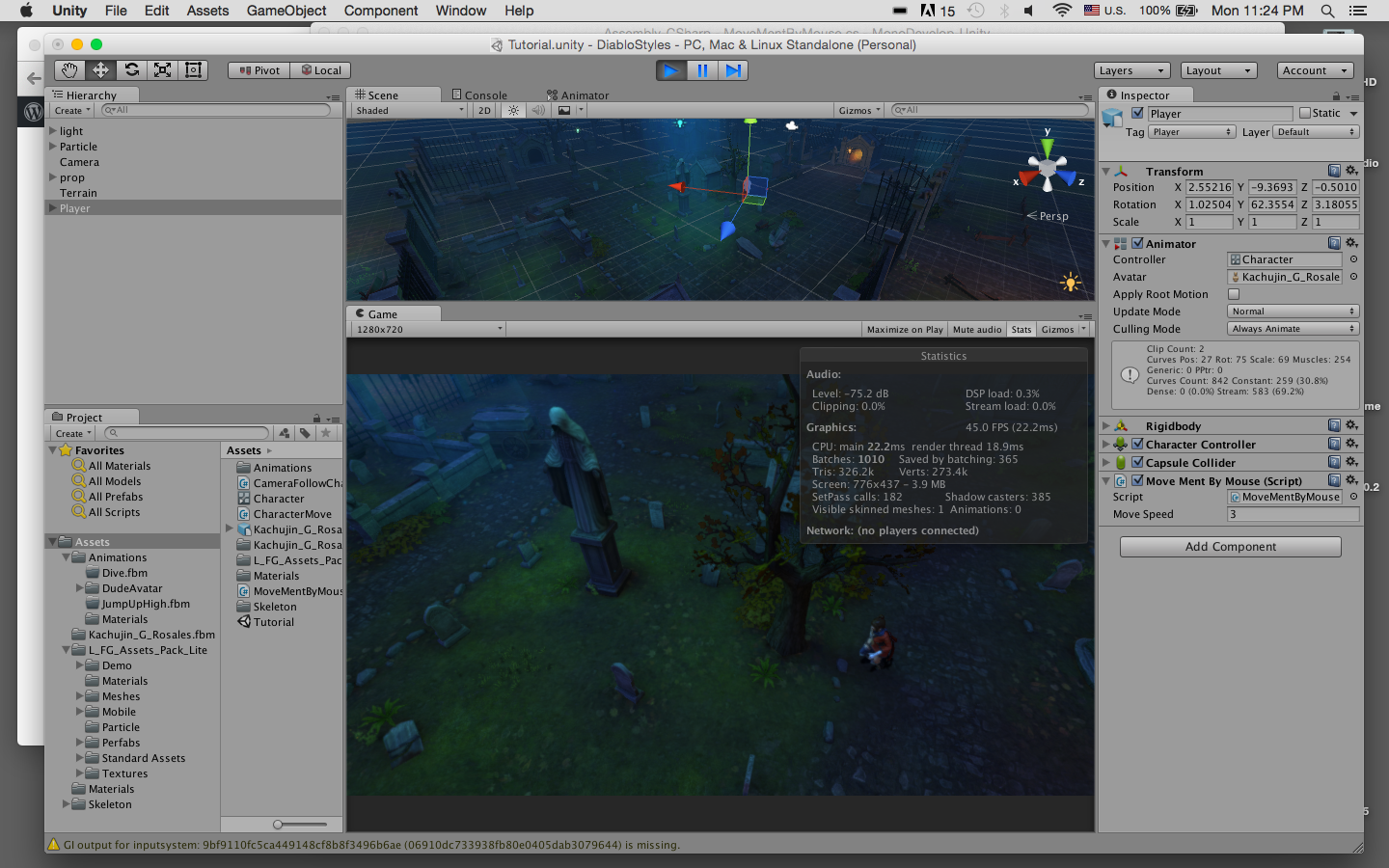
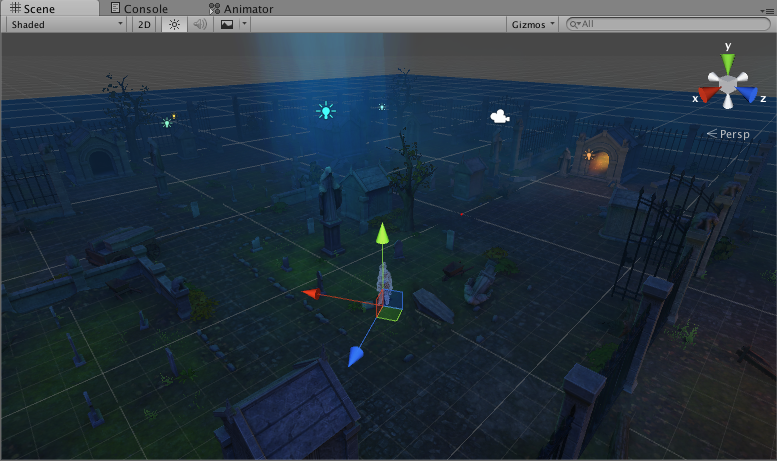
ทดสอบการ Transform ของเกม
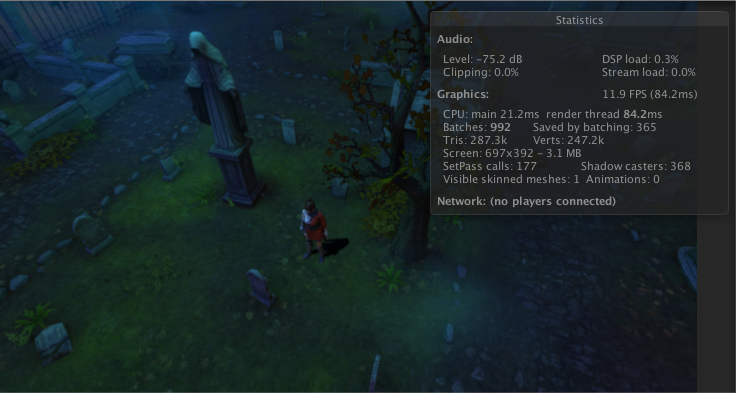
คลิกแล้วก็จะวิ่งไปมาในฉากที่เราสร้าง
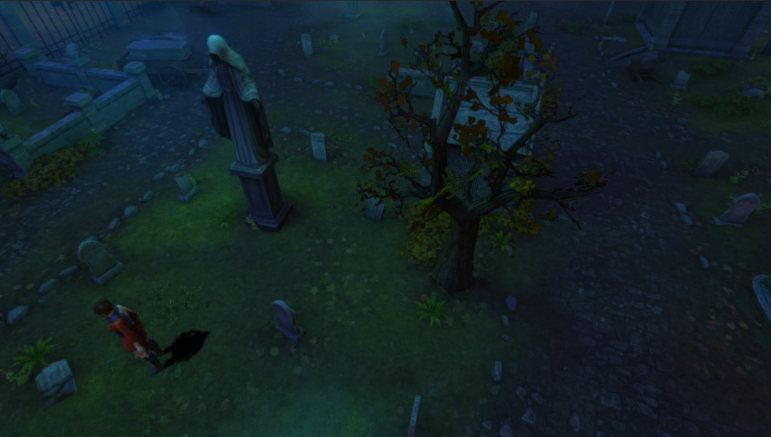
ทดสอบดูวีดีโอ Preview ตัว C# ที่เขียนได้ที่นี่
จะเห็นว่าเป็นตัวอย่างง่ายๆ ไม่ได้ยากเย็นอะไรเลยแม้แต่น้อยในการนำไปใช้สร้างเกม Action RPG แบบ Diablo ที่เป็นมุมมอง Isometric และคลิกไปมาเพื่อต่อสู้ได้แบบไม่ต้องเหนื่อยเปลืองแรงใช่ไหมครับ?