ตัวอย่างการสร้างแอพ Augmented Reality หรือ AR บน Unity ร่วมกับ Vuforia SDK ร่วมกับ Lean Touch สำหรับขยาย หรือหมุนวัตถุผ่านแอพฯ AR
บทเรียนก่อนหน้านี้:
- การสร้าง Augmented Reality ร่วมกับ Unity 5 และ Vuforia แบบง่าย
- วีดีโอสื่อการสอนย้อนหลัง: Unity Augmented Reality on Mobile with Vuforia 6
หลังจากที่เราได้รู้วิธีการสร้างแอพฯ AR บน Unity แล้ว ต่อมาคือการใช้ Lean Touch เข้าไปร่วม Interact กับวัตถุหรือแบบจำลอง 3 มิติที่ปรากฏในแอพฯ เกม
เริ่มต้นให้สร้าง Unity Project ขึ้นมาใหม่ พร้อมทั้งดาวน์โหลด Vuforia SDK Package สำหรับ Unity มาติดตั้งลงไป
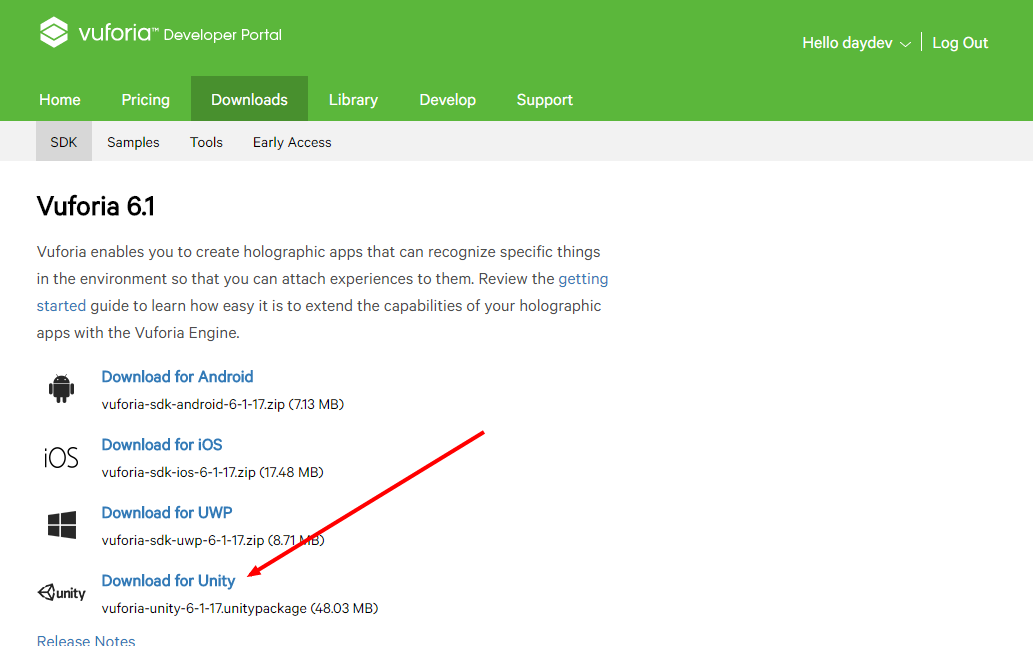
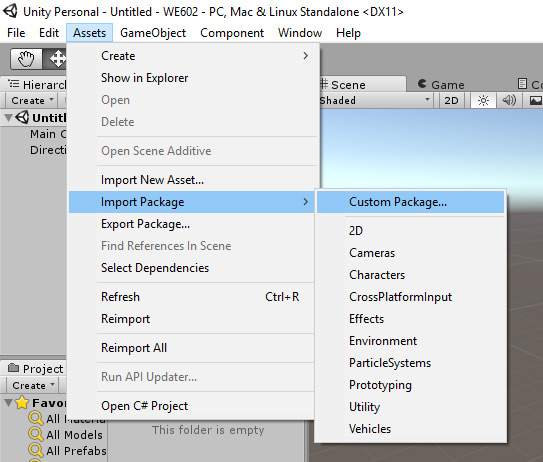
เลือก Import->Assets-> Custom Package เลือกตัว Vuforia Unity เข้าไปใน Project ของเรา
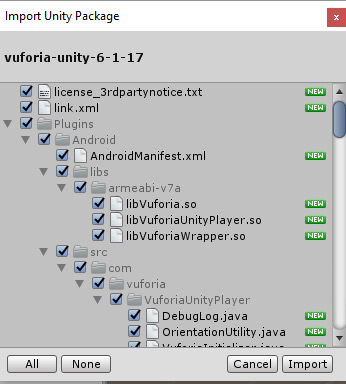
ขอข้ามขั้นตอนการสร้าง Target และ การนำ License มาใช้กับงานไปนะครับเพราะน่าจะอ่าน หรือดูจาก Tutorial บทเรียนก่อนหน้าข้างบนแล้ว
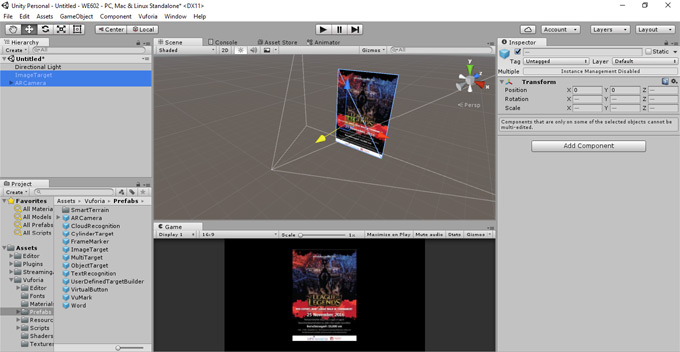
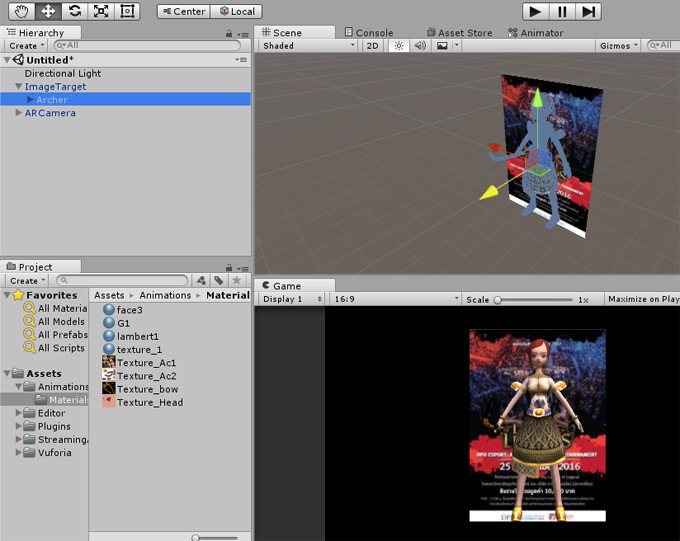
วางตัว โมเดล3 มิติของเราลงไปเป็น Child Node ของ ImageTarget ครับ
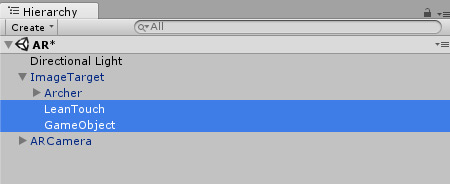
สร้าง Empty Game Object ขึ้นมาใหม่ตั้งชื่อว่า LeanTouch ส่วนอีกตัวจะตั้งว่าอะไรก็ได้ครับ ขอให้อยู่เป็น Child Node ของ ImageTarget พอ
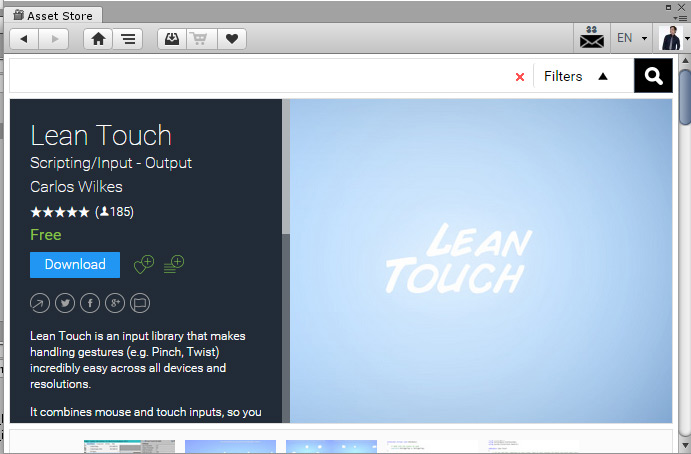
เปิด Asset Store ขึ้นมาค้นหา Lean Touch มาใช้สำหรับขยายหรือหมุนโมเดล 3 มิติของเราครับ https://www.assetstore.unity3d.com/en/#!/content/30111 โดย Asset ตัวนี้พัฒนาโดย Carlos Wilkes
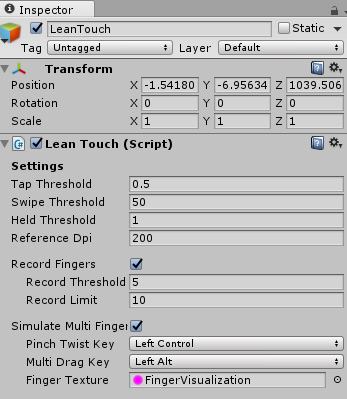
นำ Script ที่ชื่อว่า Lean Touch ไปวางเป็น Component ของ GameObject ที่เราเปลี่ยนชื่อมันว่า LeanTouch ครับ
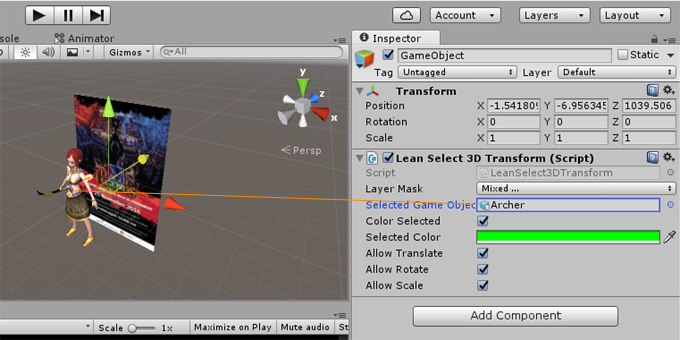
ส่วนเกม Object อีกตัวให้หา Script ที่ชื่อว่า “LeanSelect3DTransform.cs” มาใส่เข้าไปครับ
using UnityEngine;
namespace Lean.Touch
{
	// This script allows you to transform the GameObject selected by LeanSelect3D
	public class LeanSelect3DTransform : LeanSelect3D
	{
		public bool AllowTranslate = true;
		public bool AllowRotate = true;
		public bool AllowScale = true;
		protected virtual void Update()
		{
			// Make sure we have something selected
			if (SelectedGameObject != null)
			{
				// Make sure the main camera exists
				if (Camera.main != null)
				{
					if (AllowTranslate == true)
					{
						Translate(SelectedGameObject.transform, LeanTouch.DragDelta);
					}

					if (AllowRotate == true)
					{
						Rotate(SelectedGameObject.transform, LeanTouch.TwistDegrees);
					}

					if (AllowScale == true)
					{
						Scale(SelectedGameObject.transform, LeanTouch.PinchScale);
					}
				}
			}
		}

		public void Translate(Transform transform, Vector2 screenPositionDelta)
		{
			// Screen position of the transform
			var screenPosition = Camera.main.WorldToScreenPoint(transform.position);

			// Add the deltaPosition
			screenPosition += (Vector3)screenPositionDelta;

			// Convert back to world space
			transform.position = Camera.main.ScreenToWorldPoint(screenPosition);
		}

		public void Rotate(Transform transform, float angleDelta)
		{
			transform.rotation *= Quaternion.Euler(0.0f, 0.0f, angleDelta);
		}

		public void Scale(Transform transform, float scale)
		{
			// Make sure the scale is valid
			if (scale > 0.0f)
			{
				// Grow the local scale by scale
				transform.localScale *= scale;
			}
		}
	}
}
ลาก โมเดล 3D ของเราไปวางไว่ในช่อง “Select Game Object” เพื่อทำให้แอพของเรารู้จักว่า โมเดลตัวนี้แหละที่เราต้องการจะหมุนมันครับ
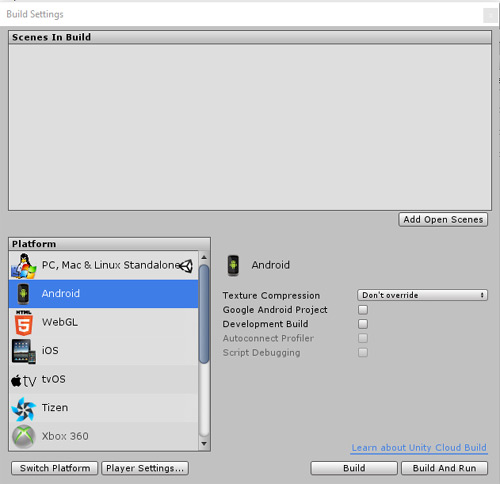
ทำการเสียบสาย USB กับสมาร์ทโฟน Android ของเราตั้งค่า Player Setting แล้วเลือก Build & Run ครับ
เราจะเห็นว่า Lean Touch สามารถทำงานได้แล้ว ตามภาพ และวีดีโอตัวอย่างข้างล่าง
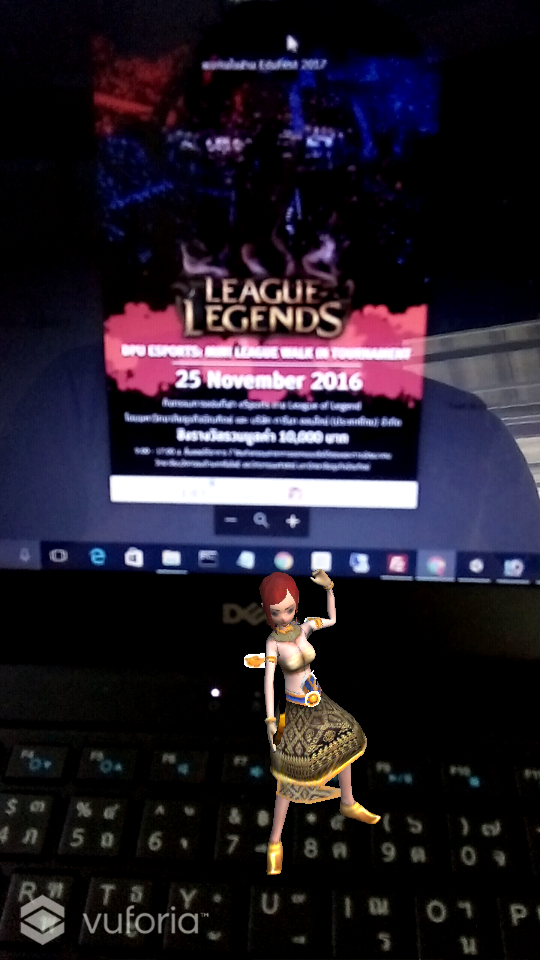
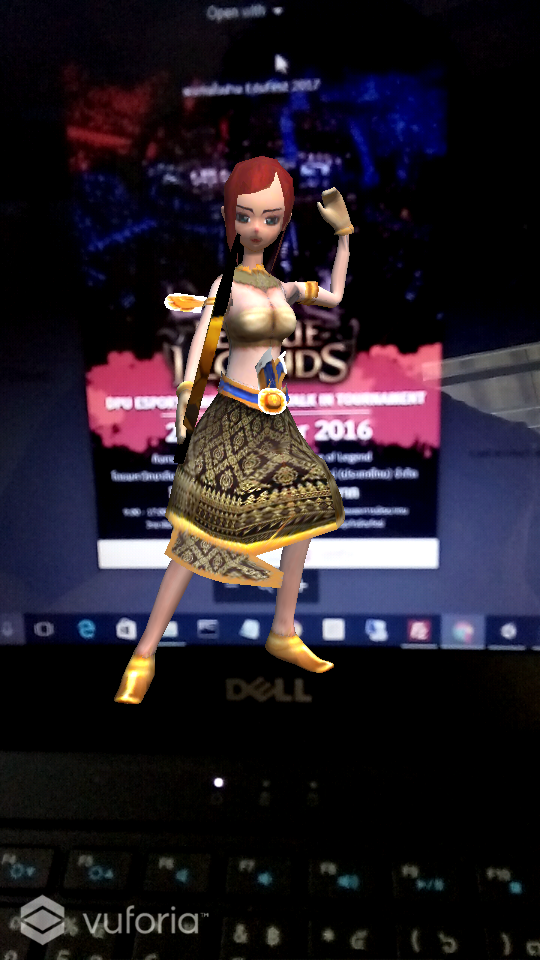
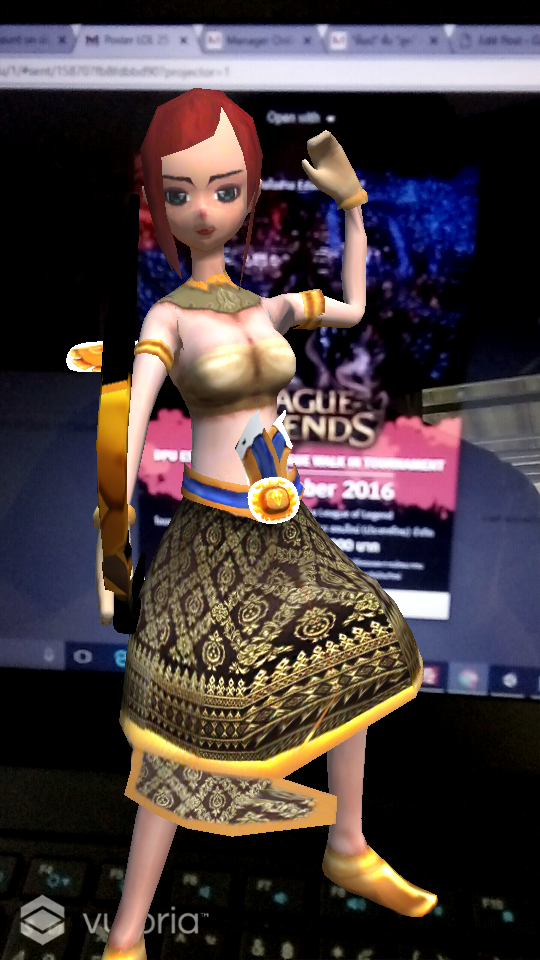
เราสามารถเลื่อน ขยาย (Drag and Scale) ตัวโมเดล 3 มิติของเราได้อย่างอิสระครับ เช่นไปวางไว้ที่ตำแหน่งอื่นๆ ของหน้าจอสมาร์ทโฟนขณะที่เรา Detect AR อยู่เป็นต้น